

Closing a digital account feels like a settings toggle. The messy part is everything still pointing at that routing and account number: paycheck, benefits, subscriptions, and loan autopays.
Follow a close-out sequence so money does not bounce after the account is gone.
This guide is general consumer education for readers in the United States. It is not personalized financial, legal, or tax advice. Rules and product terms change by provider and state—confirm details on official pages before you act.
Setup details to confirm in the app
Before relying on a digital account for rent or payroll, verify routing and account numbers, cut-off times, external transfer limits, and how to reach support outside chat bots.
Turn on critical security alerts on day one and store the official support path in your notes—not only inside the app.
Inventory every inbound and outbound rail
Export recent transactions for 90 days. Highlight direct deposits, ACH debits, card subscriptions, peer-pay links, and connected budgeting apps. List employers, benefits agencies, and billers that know the account.
Check for pending transfers, rewards cash-outs, and check deposits still clearing.
Take a minute after this section to write one concrete next action on paper—something you can finish within 24 hours—so the ideas do not stay theoretical.
Redirect before you empty
Update payroll and any government deposits first and wait for at least one successful deposit into the new account. Then move autopays. Keep a temporary buffer in the old account until the redirects prove out.
For subscriptions on the debit card, update cards in each merchant portal—not only inside the bank app.
Take a minute after this section to write one concrete next action on paper—something you can finish within 24 hours—so the ideas do not stay theoretical.
Quick reference table
| Step | Action | Done when |
|---|---|---|
| Inventory | List deposits and autopays | 90-day export reviewed |
| Redirect inflows | Payroll / benefits updated | One successful new deposit |
| Redirect outflows | Bills and subscriptions moved | No draft on old account |
| Archive | Statements downloaded | PDFs saved offline |
| Close | Official confirmation | Confirmation ID stored |
Use the table as a working checklist while you gather documents or click through settings. If a cell is blank for your situation, that is a signal to ask a clarifying question before you commit.
Download records you will lose access to
Save PDFs of statements, tax documents, and account closure confirmations. Screenshot routing details if needed for your records. Some digital banks limit historical access after closure.
Take a minute after this section to write one concrete next action on paper—something you can finish within 24 hours—so the ideas do not stay theoretical.
Close, confirm, and monitor
Request closure in-app or via support and keep the confirmation. Watch the new account and email for returned deposits or failed autopays for a full billing cycle. Shred or destroy the physical card if any.
Take a minute after this section to write one concrete next action on paper—something you can finish within 24 hours—so the ideas do not stay theoretical.
Operational and fraud risks to respect
Speed features can move mistakes as quickly as intentional transfers. Test small amounts to new payees. Keep a buffer so pending vs posted timing does not bounce bills.
If you close or freeze an account, orphaned direct deposits and autopays can fail. Redirect rails before you cut access.
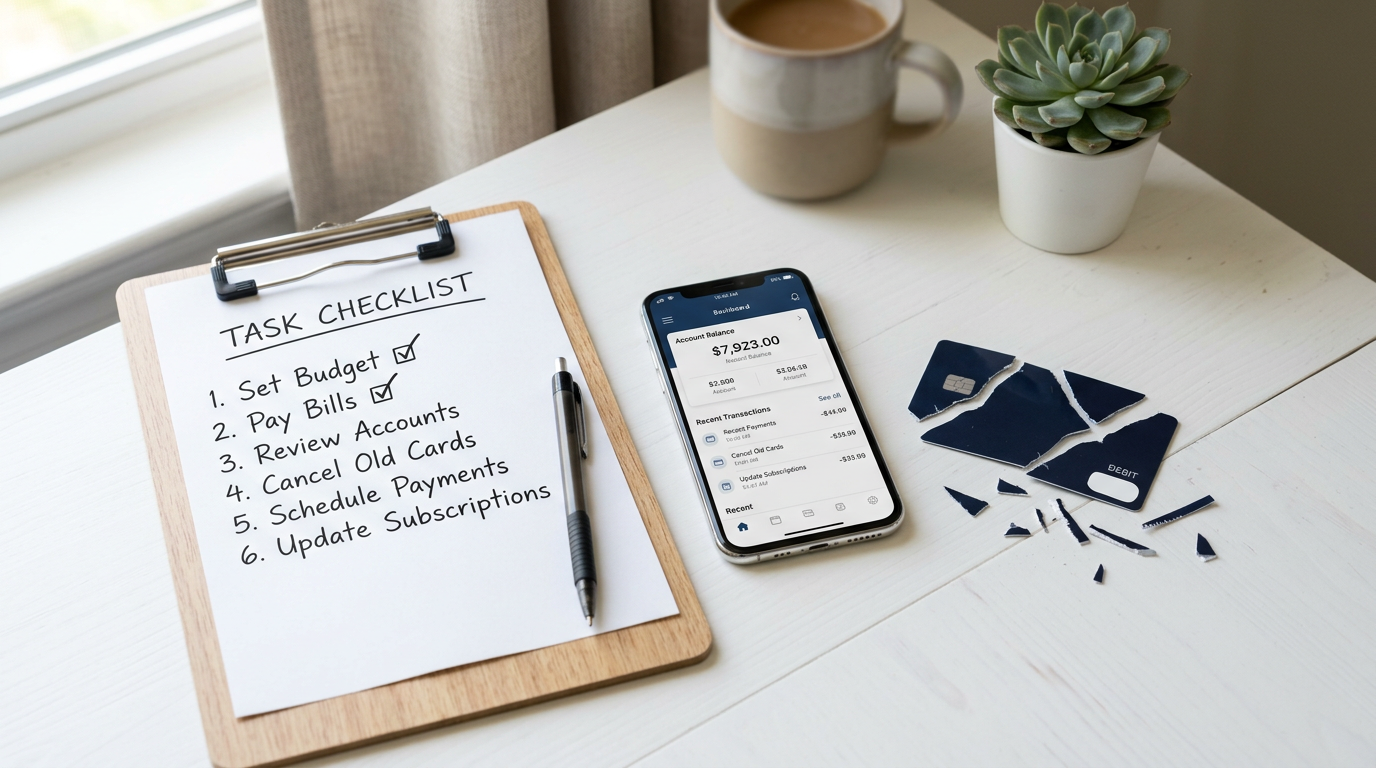
Step-by-step checklist
- Export 90 days of transactions and mark recurring items.
- Switch payroll and wait for a successful deposit elsewhere.
- Update each autopay and subscription card.
- Download statements and tax forms.
- Close only after a quiet cycle, then save confirmation.
Work the checklist in order when you can. Skipping ahead to the final click—apply, elect, transfer, or cancel—is how avoidable fees and denials appear.
Common mistakes and warning signs
- Closing the same day you change payroll
- Forgetting annual subscriptions that draft rarely
- Leaving connected apps with stored credentials
- Assuming the bank forwards deposits automatically
- Throwing away cards before confirming closure
If you recognize more than one mistake already in progress, pause new commitments for a day and repair the process first.
Practical tips you can use this week
- Keep the old account open with a small balance for one billing cycle after redirects.
- Set calendar reminders for weekly checks during transition.
- Tell joint owners before closure so they do not deposit into a dead account.
Tips are starting points. Adapt them to your budget, state rules, and the disclosures on any product you consider.
Conclusion
Account closure is a migration project. Redirect first, prove it, archive, then close.
Orphaned direct deposits are preventable with a slow last mile.
If your situation is complex—recent credit damage, mixed household finances, or specialized benefits—consider a qualified professional or reputable nonprofit counselor before you sign or enroll.
FAQ
Will my employer keep old bank details on file?
Sometimes. Confirm the new deposit shows on your pay stub. When in doubt, prefer written plan documents and official lender or employer pages over social media summaries.
What if a deposit arrives after closure?
It may return to sender. Contact the payer and the bank with the confirmation ID. When in doubt, prefer written plan documents and official lender or employer pages over social media summaries.
Can I reopen later?
Policies vary. Do not assume the same account number returns. When in doubt, prefer written plan documents and official lender or employer pages over social media summaries.
Is this personalized advice?
No. This is general education. Your best next step is to apply the checklists to your own numbers and confirm details with primary sources for your state and providers.